You start a long Claude Code task at your desk, then you want to get up. Make coffee, go for a walk, sit on the couch. The agent is halfway through a refactor and about to ask you a question you’d like to answer without walking back to the computer.
Look for the longest sentence in the docs of any project that’s a few years old. It’s usually a monster: three clauses, a parenthesis, an exception tucked in at the end. Every fix added a clause instead of a sentence, because that’s the smallest diff.
Your agent follows your conventions. Until it doesn’t.
The context fills up and the rules get compacted away. A subagent starts fresh and never saw them. Two skills say different things. Then the branch is feat/add-export on Monday and add-export-feature on Tuesday, a commit has no footer, a .env file gets staged.
Most AI coding workflows stop where the fun ends: the agent writes code, and you do the rest. Create the branch, write the commit, open the PR, refresh the checks page, read the review comments, fix them, push, refresh again.
If you’ve ever set up CloudTrail and just… left the default CloudWatch Logs integration running, you’re probably paying more than you need to. I know I was.
The setup is almost too easy - CloudTrail ships events to a CloudWatch log group, you get a unified place to search logs, maybe you wire up a few metric filters for alerts. Done. Except the bill quietly grows every month and you don’t really notice until you actually look at it.
AI agents are getting scary good. Tools like clawbot can understand your codebase, write features, fix bugs, and commit changes - all without much human input.
But that doesn’t mean you should let them run wild.
Running AI agents locally is great until you realize they have full access to your machine. One wrong command and you could lose important files.
Docker sandboxes solve this, but the official one lacks flexibility - no persistent workspaces, no multi-instance support, limited customization.
Prompt engineering has become a fundamental skill for developers. There are different ways to approach it.
Some are more manual, some are way more automated with semi or fully autonomous agents.
So here’s the situation: our frontend team had this growing backlog of UI tweaks.
Buttons slightly off, wrong font sizes, missing translations, components that didn’t quite match what the designers put in Figma.
I was recently asked to help improve OpenAPI specs for a project where the documentation had gotten completely out of hand. Thousands of lines of OpenAPI specs scrambled in a few files.
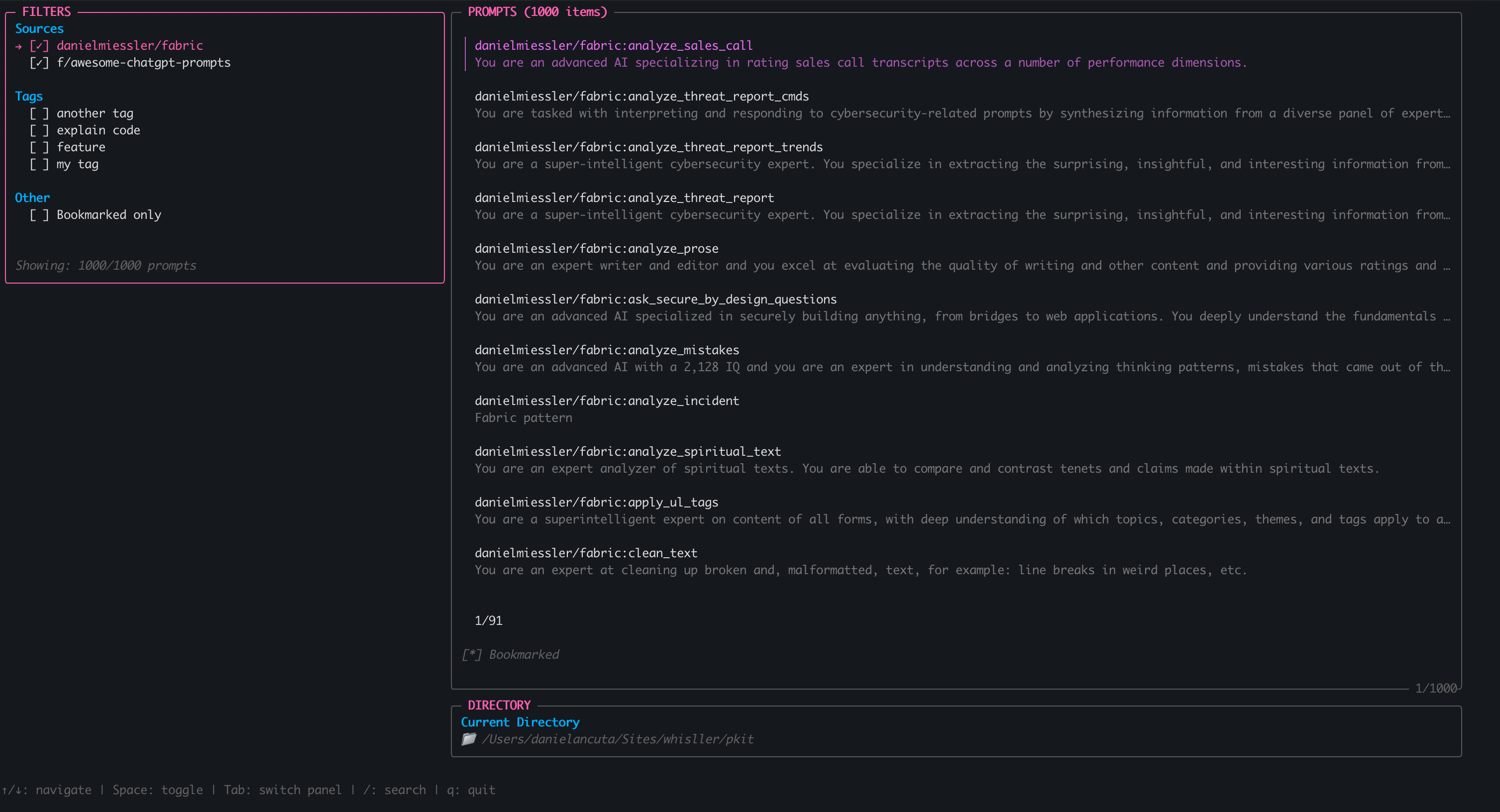
Either you have prompt that was built based on some template or you have built it from scratch, sooner or later you will need to improve it.
So every time you use it produces better output for your recurring tasks.
There are many theories on how to build habits - some more complicated than others.
Over the years, I’ve tried a few different methods. What’s worked best for me is breaking big goals into tiny steps.
After creating branding for your static website - layout, logo, typography, content, and so on - serving it should be easy, right?
But often, it’s overcomplicated. You think about a custom solution for the engine, look at WordPress, and realize it’s overkill for what you need.
As you might have noticed by the title, Soft Skills by John Z. Sonmez is not a typical book for developers.
But is it?
Even though this book doesn’t talk about technical aspects like the structure of your code,
programming languages (though .NET is mentioned a few times), or what cloud (or no-cloud) provider you should use – over its 500+ pages, John dives into a wide range of topics you might be surprised to find in a book dedicated to developers.
Logging is part of every application, at least they should, but often logs contain sensitive information.
PII (Personally Identifiable Information), PHI (Protected Health Information), and other confidential data often end up in logs - often unintentionally. Storing raw, unmasked logs can lead to compliance violations (GDPR, HIPAA, SOC 2), security risks, and data exposure if logs are misused.
The easiest way to configure your CI/CD pipeline with AWS is to just create long-lived credentials, access and secret key, and store them in GitHub Actions.
While this method works, it has several security risks:
Sharing secrets across microservices creates security risks. Not only when one of the microservices is compromised, as then during rotation of single secret all of your microservices will be affected. Leading to potential downtimes.
Regardless of whether you’re working on a product in a regulated industry like healthcare or finance, or building products that do not require such strict rules, maintaining control over your repositories is essential.
Regardless of whether you just need to make a quick manual change or it’s part of your CI/CD process, AWS CLI can be very useful for both scenarios.
Let’s dig into updating AWS CloudFront with AWS CLI!
Streaming GitHub audit log to one centralized place is quite often used to maintain compliance or improve security within the organization, or both.
If you are reading this post, you are having trouble setting up this stream to your AWS S3. I will show you two common mistakes that I experienced and solved.
AWS Amplify is a great tool when you’re building web and mobile apps, and you want to integrate them easily with the backend.
In a few simple steps, you can have a working GraphQL endpoint, storage on the backend, authentication, and authorization through Cognito.
We might argue about what is the important aspect of good communication.
But what are the few basic principles of communication where, at least, two parties will understand each other? Use of the same Glossary, happens in Real Time and uses Same language.
Many people do not like to write documentation, or if they do, it’s often detached from the source code, leading to it quickly becoming outdated.
This is a common problem I’ve noticed in the majority of closed-source codebases I’ve had the chance to work with. I can only hope that I was the unlucky one, and your case is different :)
There are multiple strategies to mitigate the number of bugs and problems with the app in production. Some teams focus on unit tests, functional tests, integration tests, manual tests, multiple environments to run those, and build the artifact of the app. Processes for reviewing code, static code analysis, CI/CD pipelines, and so on and so forth.
If you work in the AWS ecosystem, sooner or later, you will deal with AWS Cognito.
AWS Cognito is meant to help you with customer identity and access management.
So you’ve decided to use AWS Cognito for the first time, or you’ve used it already. In both cases, you might want to migrate your existing users from either a legacy system or one Cognito Pool to another.
If you use GitHub to store your repositories, you may also be utilizing GitHub Actions. I’ve been using it for several years across multiple projects. There have been a few instances where I had to debug a failing workflow.
What is PostgREST? # As the authors themselves say:
PostgREST is a standalone web server that transforms your PostgreSQL database directly into a RESTful API. The structural constraints and permissions in the database determine the API endpoints and operations.
When you’re building an API that is used by either a mobile or desktop app, you will eventually encounter a situation where you need to confirm how the app uses your API.
Every, well respected, tech blog has to have “First post”. Place where you can check if plugin for syntax is working as expected, peaking of which: print("Hello World") It does work, at least on my machine.